Uganda's marketplace,
now in your pocket
Post free ads in seconds, find homes, land, cars and phones near you, and chat with sellers, all in the KIGULE app.
to download the app.
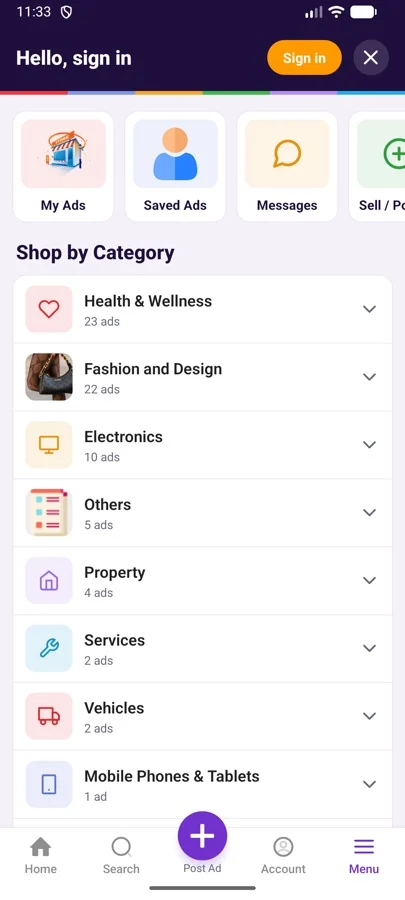
Everything on kigule.com, faster
The app opens in a tap, remembers you, and puts buying and selling one thumb away.
Post an ad in seconds
Snap photos, add a price and location, publish. Free.
Find a home or plot
Buy, Rent, Land, Commercial and Short stay, with beds, size and area on every card.
Chat with sellers
Message in the app, or Call and WhatsApp once you sign in.
Search everything
Phones, cars, fashion, health, furniture, jobs and more, sorted by what's popular.
Save what you love
Keep favourite ads and come back when you're ready to buy.
Safer by design
Seller numbers are hidden from bots, plus Verified seller badges and safety tips.
Made for buying and selling on the go
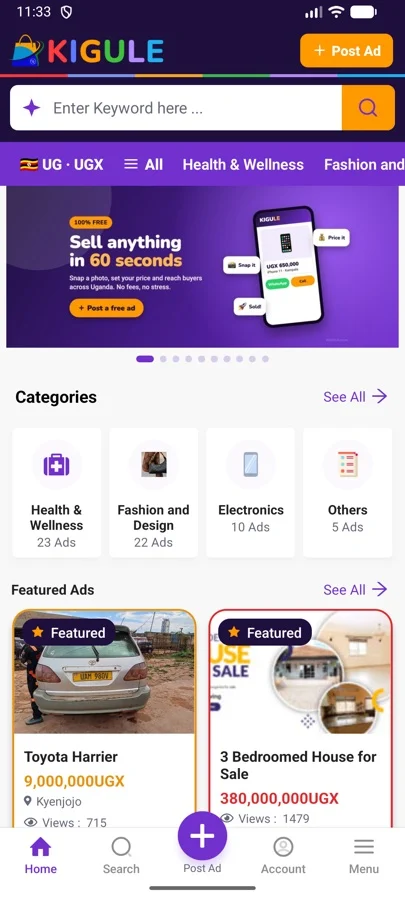
Home
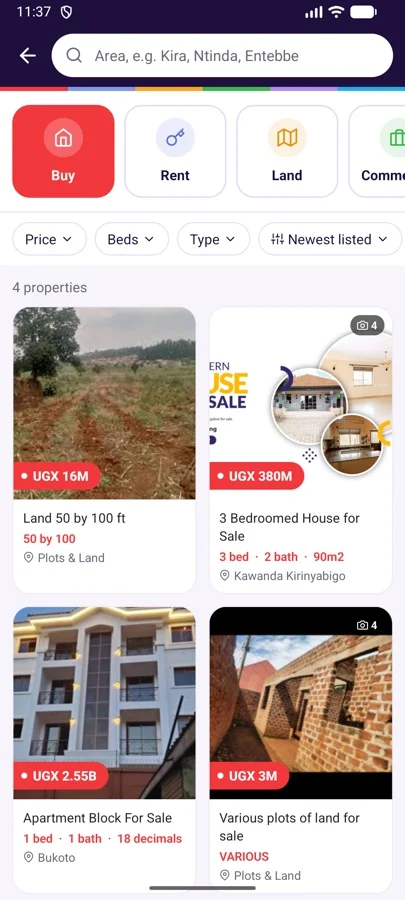
Property search
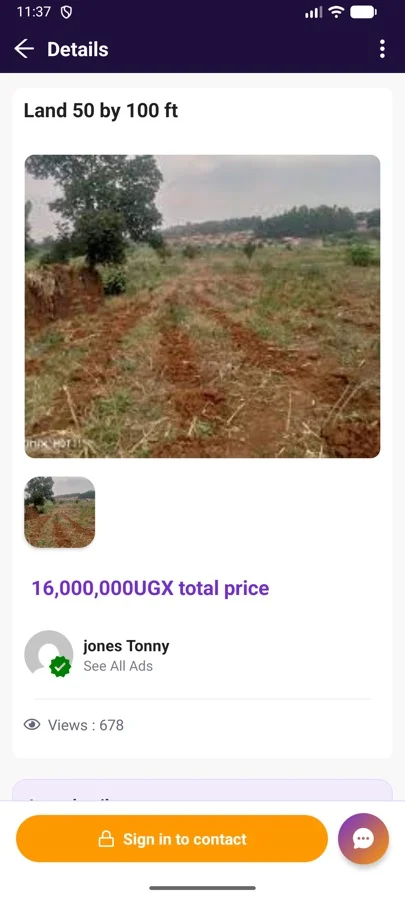
Ad details
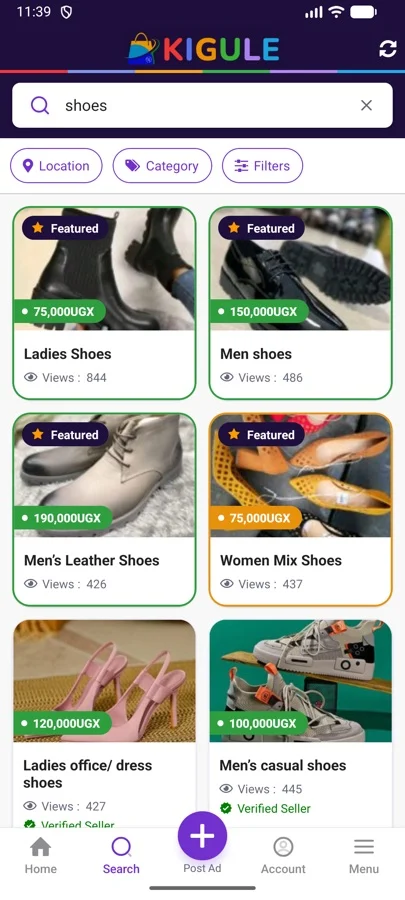
Search
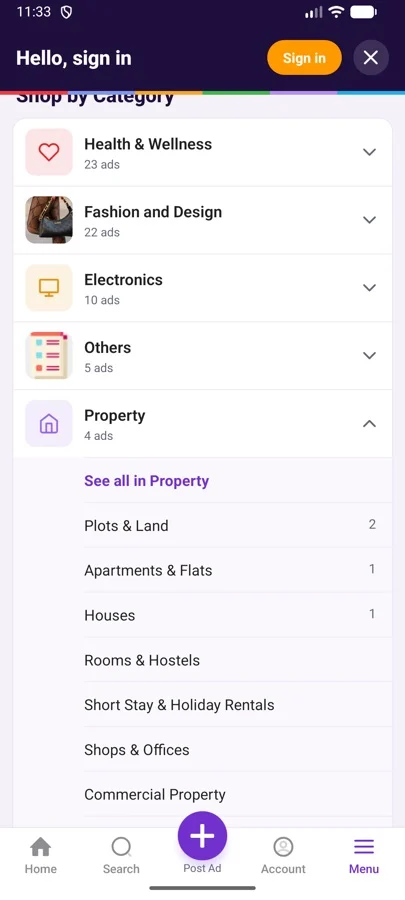
Shop by category
How to install on Android
The app isn't on the Play Store yet, so Android asks you to confirm once. It's safe: the file comes straight from kigule.com.
Download the app
Tap Download for Android. On a computer, scan the QR code with your phone.
Open the file
When the download finishes, tap it in your notifications or Downloads folder.
Allow "Install unknown apps"
If asked, tap Settings, switch on Allow from this source, then go back.
Tap Install
If Play Protect warns you, tap More details → Install anyway.
Kigule Biz: run your business
Stock, sales, money in and out, receipts, staff and reports, and put your products on kigule.com in one click.
Good to know
Is the app free?
Yes. Downloading the app and posting ads is free. Optional promotions to boost an ad may be paid.
Is it safe to install?
Yes. The file comes directly from kigule.com. Android shows a warning for any app installed outside the Play Store; that's normal for test versions.
Do I need a new account?
No. Sign in with the same email and password you use on kigule.com.
Will it be on the Play Store?
Yes, very soon. Once it is, this page will link straight to the Play Store so you get automatic updates.
How do I delete my account?
Email info@kigule.com from your account email, or follow the steps at kigule.com/data-deletion.